
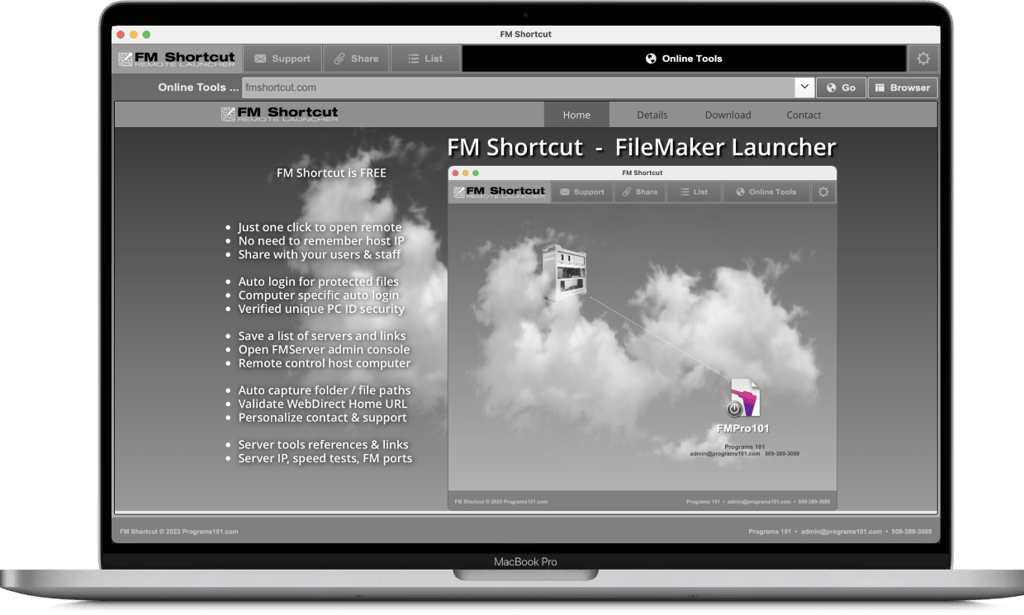
FM Shortcut is a FREE FileMaker tool designed to help open local or remote FileMaker files plus manage multiple hosts, servers, admin consoles, files, contacts and correspondence.
FM Shortcut works as a simple desktop launcher to save time opening remote files, but is also a powerful FileMaker management tool for professionals.
Just enter your FileMaker host location and file name once, and your desktop launcher is ready to provide one click access to your remote file anytime.
FM Shortcut is FREE to use and share.
FM Shortcut - FileMaker Launcher
FM Shortcut is a Free desktop launcher that makes it easy to launch any local or remote FileMaker file. There is no need to remember host server credentials, IP address or file name. FM Shortcut simplifies opening local and cloud based FileMaker files with just one click.
FM Shortcut - FREE FileMaker Desktop Launcher
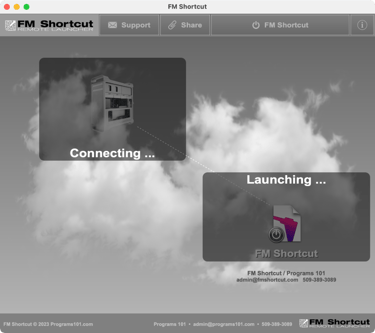
Share with Users and Staff
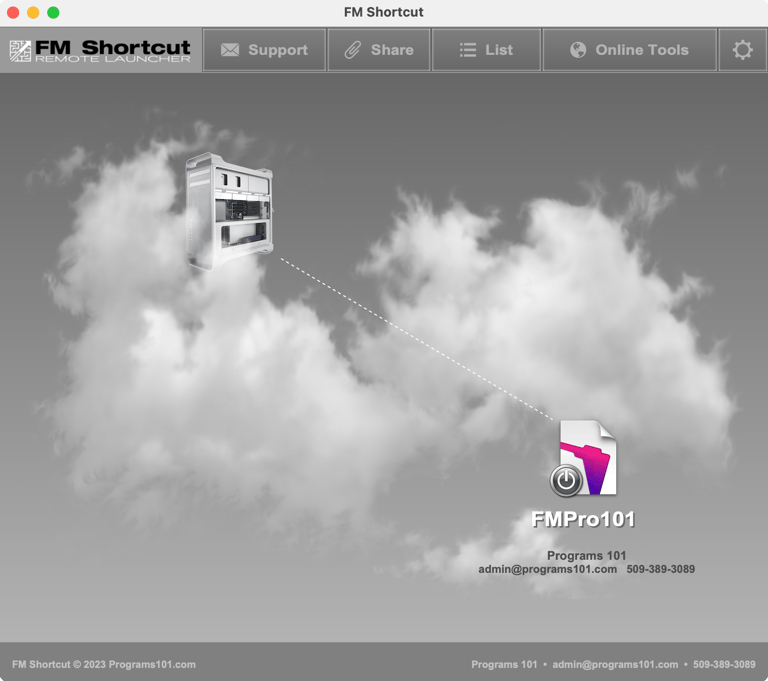
Set up and Share your own FM Shortcut with your users. FM Shortcut allows you to share foolproof access to a specific file without the user entering the location, file name or even login credentials.
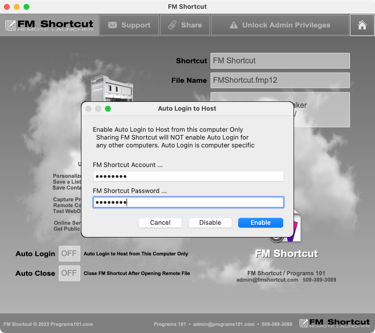
Auto Login Account / Password
FM Shortcut can launch FileMaker files without requiring the user to enter login credentials. Account and password are preset into FM Shortcut and securely linked to just a single user's computer. You can provide users secure access without revealing the account and password.
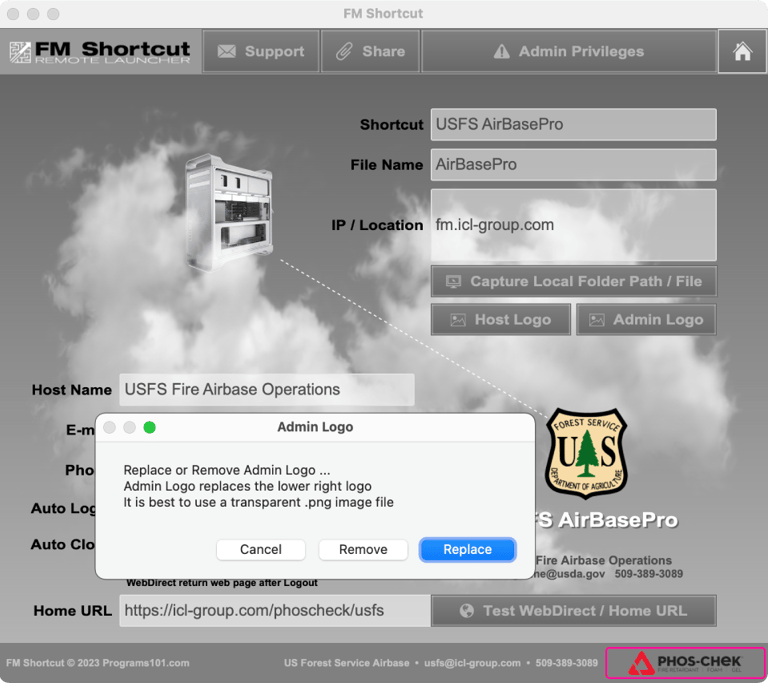
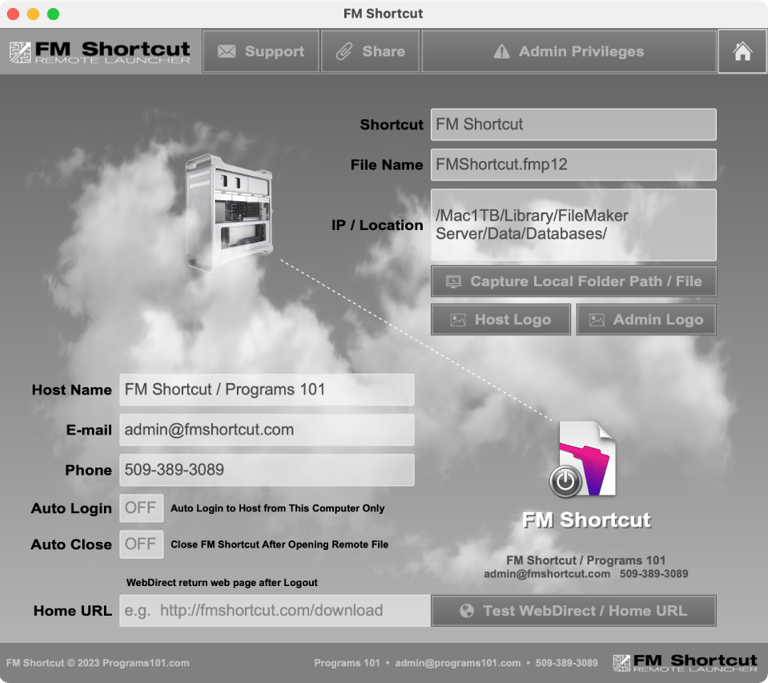
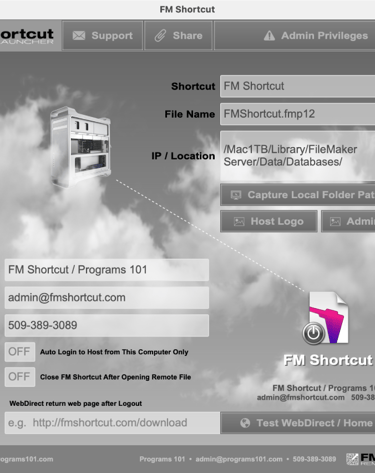
FM Shortcut can be personalized so your clients and users see your name, e-mail, phone and logo at the bottom of the launcher. Tech support will be directed to your own e-mail. Set Host contact information and custom logo to further enhance user experience.
FM Shortcut - Customized for Your Clients / Users
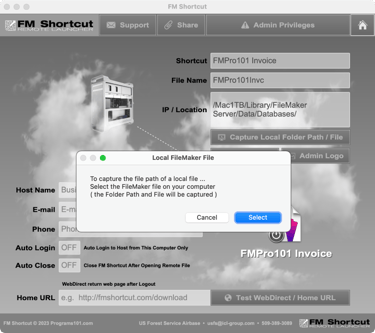
Auto Capture File Path Syntax
Automatically capture the fully qualified filepath of any local file. There's no trial and error to enter a properly formatted filepath of FileMaker files, regardless of where they are located on your computer. Just select the file and the filepath is automatically captured.
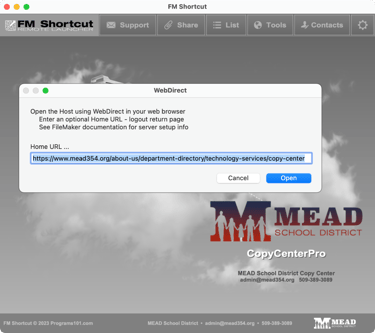
WebDirect Home Page URL
WebDirect can return a user to any webpage when logging out by using a Home Page URL. FM Shotcut can help set up and test a Home Page URL and includes links to Claris / FileMaker server setup documentation.
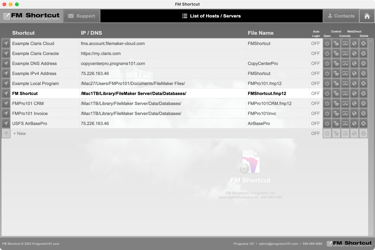
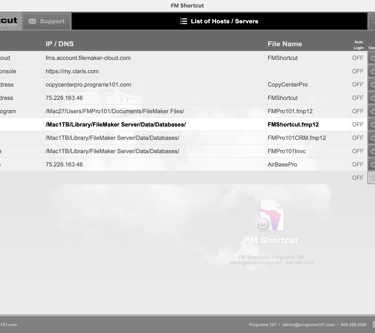
FM Shortcut provides a list view of servers and files which allows administrators to manage multiple resources. The list provides quick access to host IP addresses, server credentials, admin consoles, WebDirect URLs and even remote control of host computers.
FM Shortcut - Admin and Management Functions
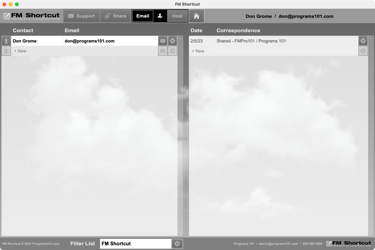
Contacts / Correspondence
Built in contact management and correspondence helps manage clients, hosted servers and history of sharing of your own FM Shortcut. Contacts can be linked to servers and hosted files to track your clients and users with related correspondence and notes.
Online Server Tools / Links
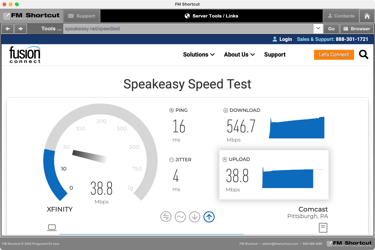
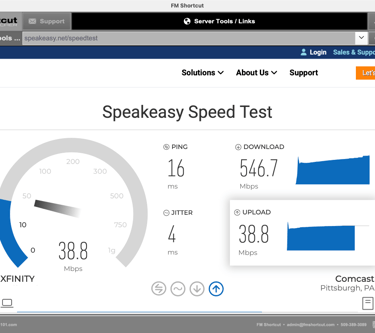
Launch a copy of FM Shortcut on your server to access online tools and prepare or troubleshoot host computers and FM Server software. Verify internet speed, IP address, open or forward ports and more.
Manage Hosts / Servers / Files
FM Shortcut
FileMaker Desktop Launcher
CONTACT
RESOURCES
509-389-3089
admin@fmshortcut.com
Copyright © 2026 Programs 101